


Description
Download Shark VPN APK – free VPN, unlimited bandwidth, Android, secure connection, geographically restricted content, privacy protection, virtual private network, fast connection, unlimited data, online security
Overview
Shark VPN is a free virtual private network (VPN) application designed for Android users seeking basic online privacy and access to geographically restricted content. The software enables users to connect to the internet through encrypted servers located in various global regions, masking their real IP address and enhancing anonymity during web browsing. This functionality is particularly useful for individuals who wish to bypass regional content blocks or protect their digital footprint on public networks.
Targeted primarily at casual users and beginners, Shark VPN offers a straightforward interface that requires minimal technical knowledge. Its simplicity makes it accessible to users who want to quickly establish a secure connection without navigating complex settings. The app is available through the Google Play Store, indicating a level of platform validation, though users should still review the privacy policy before use to understand data handling practices.
Real-world usage scenarios include accessing streaming services, social media platforms, or news websites that are restricted in certain countries. While the app promises unlimited bandwidth, users should be aware that actual performance may vary based on server load and network conditions. The developer did not provide additional system requirements or detailed performance metrics.
Key Features & Capabilities
- Unlimited Bandwidth – Users can browse, stream, and download without data caps, making it suitable for extended online sessions.
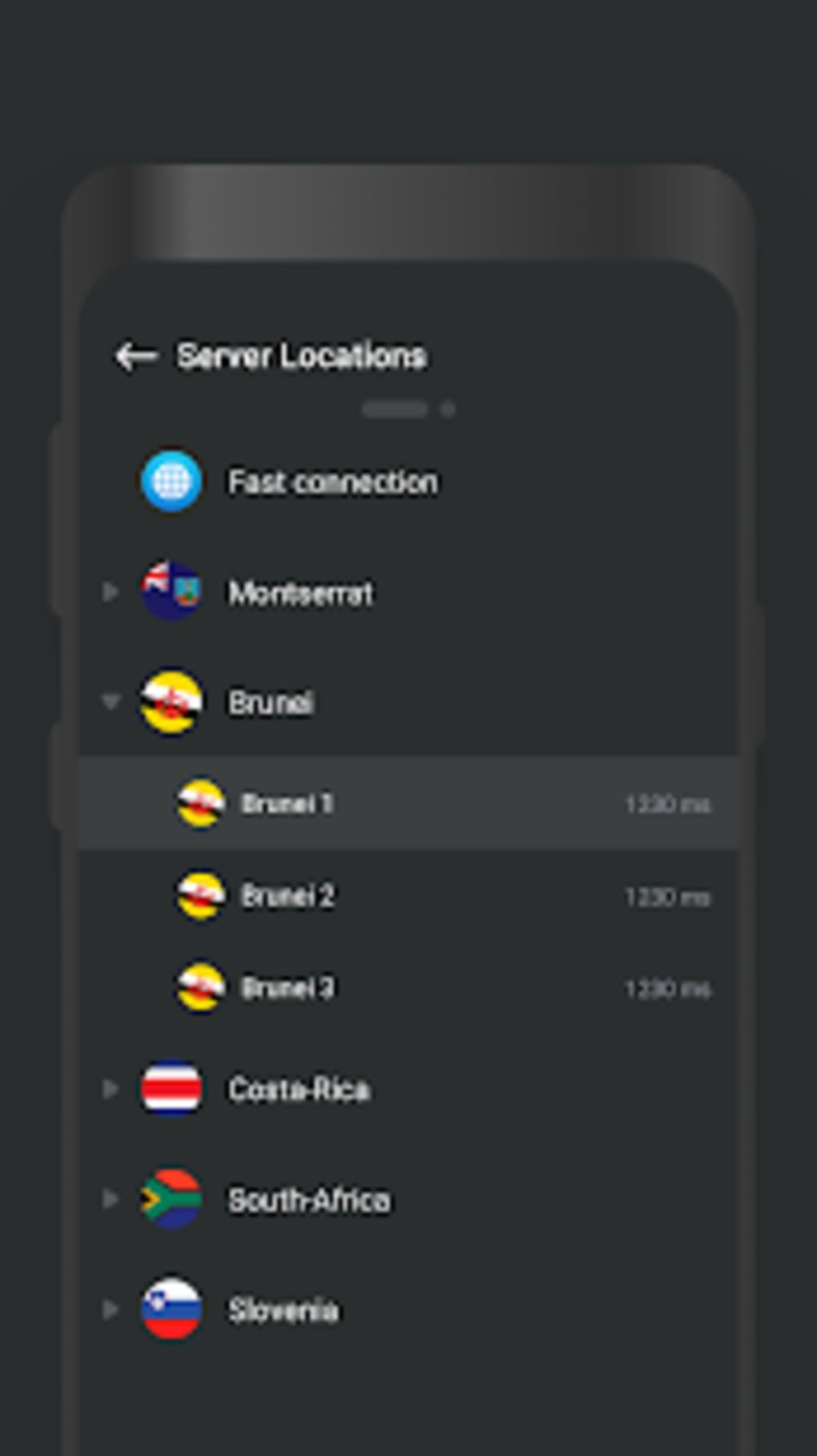
- Multiple Server Locations – Access to a selection of servers across different geographical regions allows users to appear as if they are connecting from another country.
- Simple User Interface – Designed with ease of use in mind, the interface supports quick connection setup with minimal configuration.
- Privacy Protection – By encrypting internet traffic, the app helps safeguard user data from potential eavesdropping on unsecured networks.
- Geographically Restricted Content Access – Enables users to bypass regional restrictions on websites and online services.
These features are ideal for users who need a no-frills solution for occasional privacy or content access. For example, a traveler abroad may use Shark VPN to access home-region streaming platforms, while a student might use it to access academic resources blocked in their local network. However, the limited number of available servers may restrict the effectiveness of certain use cases.
User Interface, Workflow & Performance
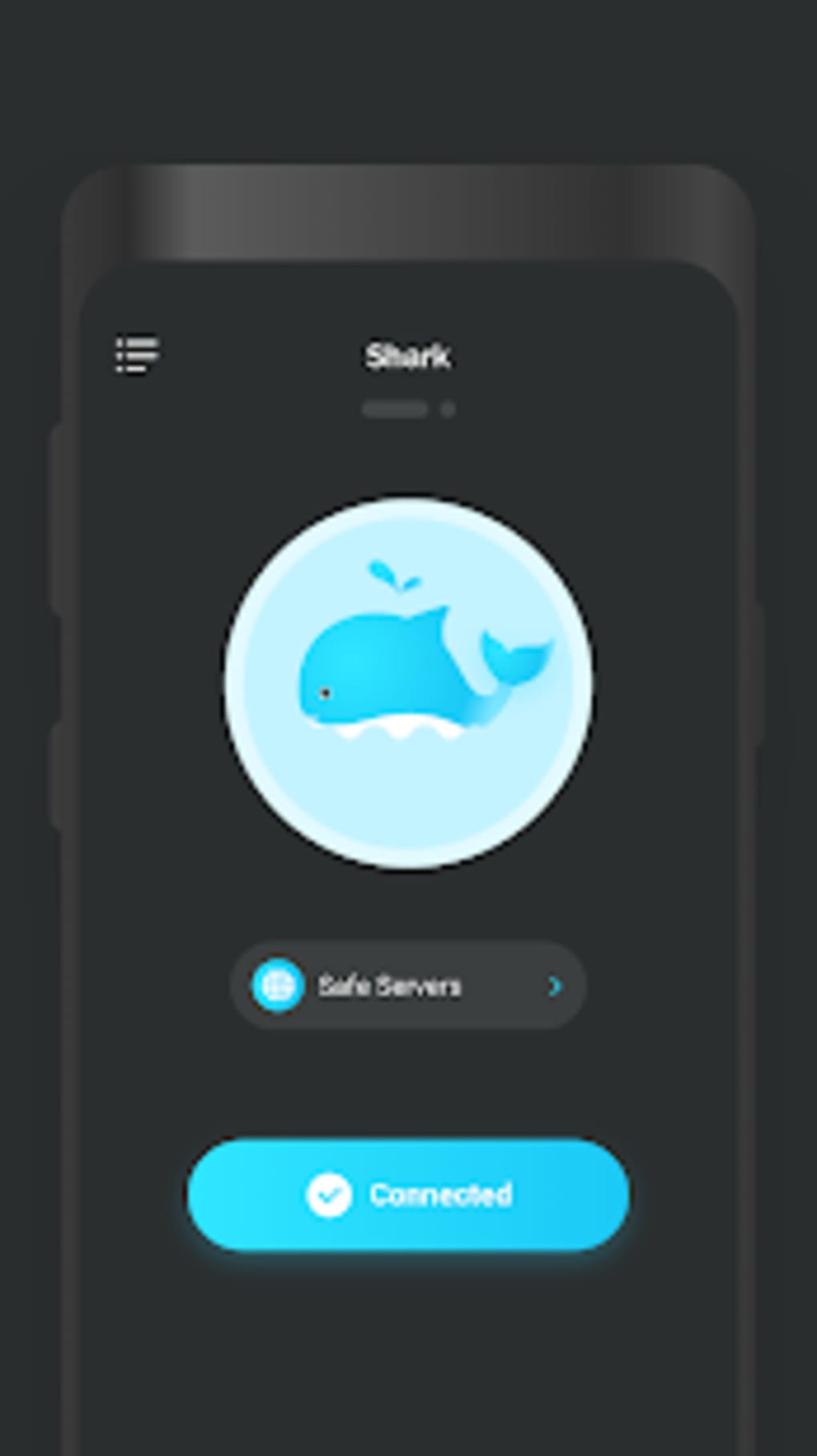
The user interface of Shark VPN is clean and minimalistic, focusing on core functionality without clutter. Navigation is intuitive, with a central connect/disconnect button and a list of available server locations. The workflow is streamlined: users select a server, tap connect, and are immediately routed through the chosen location. This simplicity benefits beginners but may frustrate advanced users seeking granular control over connection protocols or DNS settings.
Performance observations are based on general software behavior patterns. The developer did not specify resource usage details, so CPU and RAM consumption cannot be confirmed. Users may experience varying connection speeds depending on server availability and network congestion. While the app claims to offer a fast connection, real-world performance may not consistently meet expectations, particularly for bandwidth-intensive tasks like video streaming.
Stability appears to be maintained within standard app operation, but no official data on crash rates or uptime was provided. Users are advised to monitor the app’s behavior during extended sessions to assess reliability for their specific needs.
Compatibility & System Requirements
Shark VPN is designed for Android devices and is compatible with the latest versions of the operating system. The current version is 2.0.1, released on April 2, 2024. The installation file size is 18.5 MB, which is relatively lightweight and suitable for most Android devices.
Exact system requirements were not listed. Compatibility information is limited to the OS platform. Users should ensure their device meets the minimum requirements for Android to install and run the app successfully. The developer did not specify minimum Android version or hardware specifications such as RAM or processor type.
Pros and Cons
Pros
- Free to download and use with no data caps
- Simple, beginner-friendly interface
- Offers unlimited bandwidth for continuous usage
- Supports access to geographically restricted content
- Lightweight installation size (18.5 MB)
Cons
- Limited selection of server locations
- Connection speeds may be slow for streaming or gaming
- Lack of advanced settings for customization
- No publicly available information on system requirements
- Privacy policy details not fully disclosed
FAQ Section
Is Shark VPN available for iOS devices?
Currently, Shark VPN is only available for Android. There is no official version for iOS devices.
Does Shark VPN track user activity?
The developer did not provide a detailed explanation of data collection practices. Users are advised to review the app’s privacy policy before use to understand how their data may be handled.
Can I use Shark VPN offline?
Shark VPN requires an active internet connection to function. It cannot be used in offline mode.
How often does Shark VPN update?
Updates are released periodically. The latest version, 2.0.1, was published on April 2, 2024. Users should check the Google Play Store for new releases.
Is Shark VPN safe to use?
As with any free VPN, users should exercise caution. While the app provides encryption and privacy protection, the security of the service depends on the developer’s practices. Reviewing the privacy policy and ensuring the app is downloaded from official sources is recommended.
Final Thoughts + CTA
Shark VPN offers a no-cost entry point into online privacy and content access for Android users. Its clean interface and unlimited bandwidth make it a viable option for basic browsing and occasional streaming. However, the limited server selection and reportedly inconsistent connection speeds may hinder performance for users with higher demands.
While it may not meet the needs of power users or those requiring high-speed connections, it serves as a functional tool for individuals seeking a simple, free solution. The app is particularly suitable for beginners or those in regions with strict content restrictions who need a quick and easy way to access the open internet.
Download Shark VPN now to explore its capabilities and determine if it aligns with your privacy and access needs.
Guides & Tutorials for Shark VPN APK
How to install Shark VPN APK
- Click the Preview / Download button above.
- Once redirected, accept the terms and click Install.
- Wait for the Shark VPN APK download to finish on your device.
How to use Shark VPN APK
This software is primarily used for its core features described above. Open the app after installation to explore its capabilities.
User Reviews for Shark VPN APK 0
No reviews found





